Key takeaways
- Pick a lock that fits your door and how you want to use it.
- Keypad locks do not need your phone. Wi-Fi models allow remote access.
- Always keep a way in if the battery dies or the Wi-Fi is down.
- Good installation matters as much as the model.
Types of smart lock
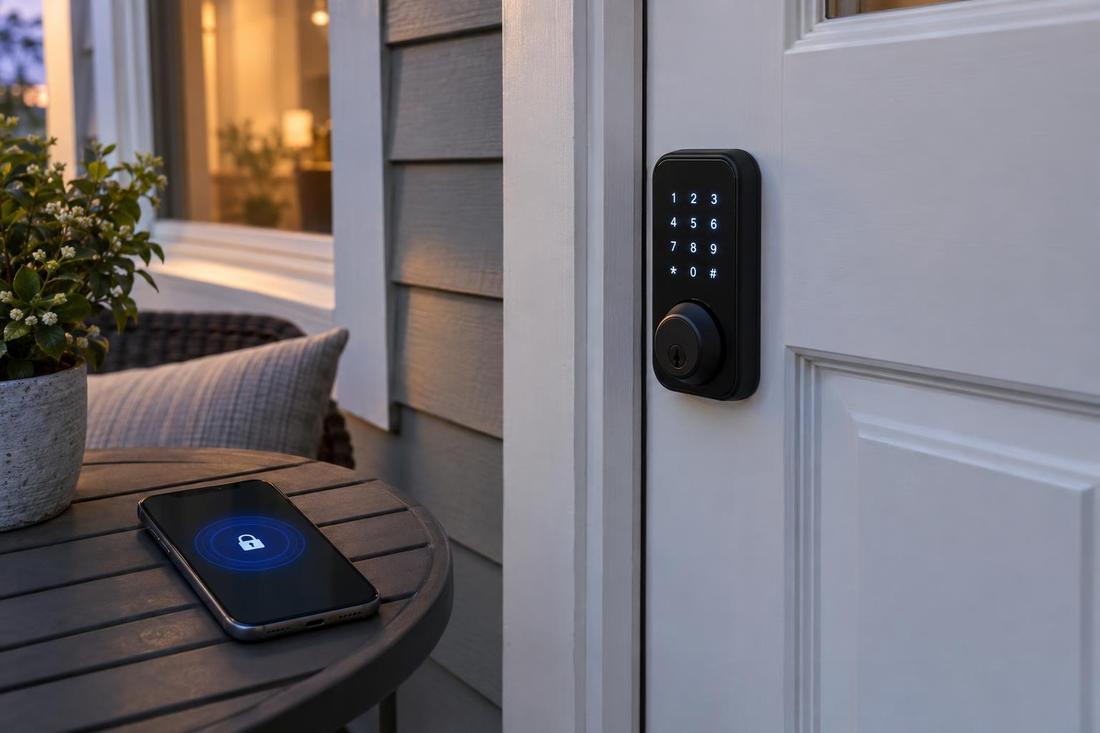
Keypad locks use codes. Bluetooth locks work with a phone nearby. Wi-Fi locks connect to the internet so you can lock and unlock from anywhere. Fingerprint locks use a sensor. Many combine two or more methods.
Choose the methods you will really use.
Fit and features
Check your door thickness and the hole sizes. Decide whether you want an automatic lock, guest codes with schedules and an activity log. Make sure the lock works with any smart home system you use.
More features mean more to set up.
Batteries and backups
Smart locks use batteries. Good ones warn you well before they die and have a backup, such as a physical key, a terminal for a 9-volt battery or a keypad that still works. Ask what happens if the battery dies.
Test the backup once so you know it works.
Install and set up
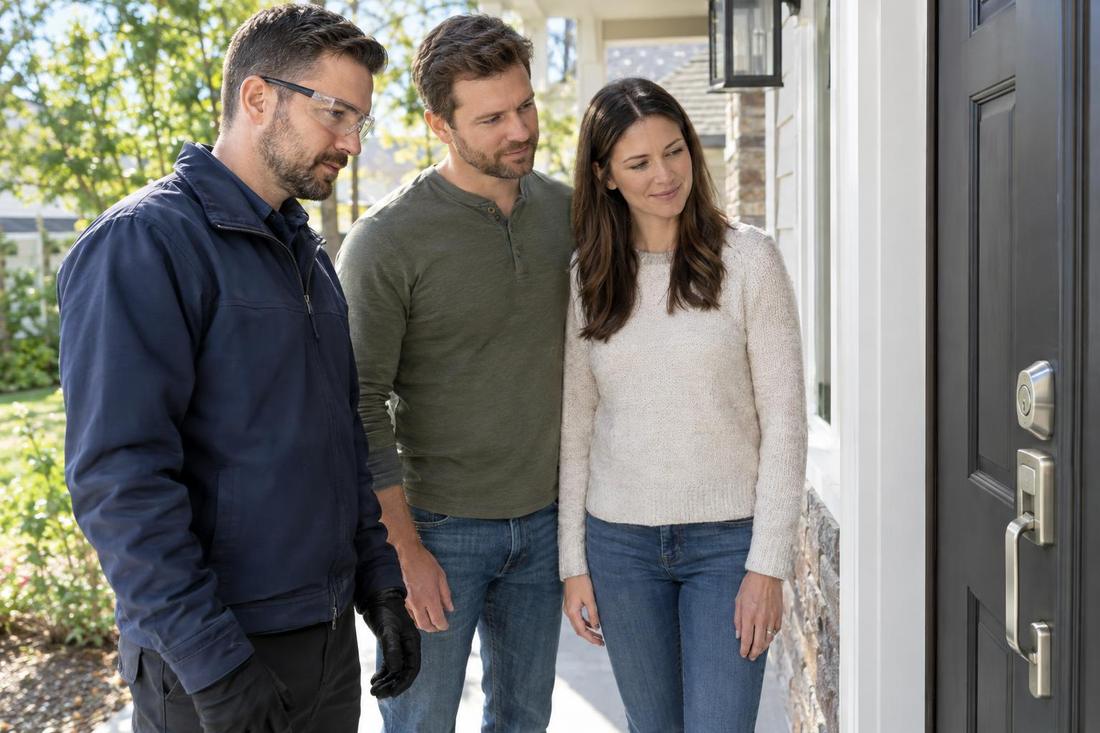
A smart lock should be aligned with the strike so the bolt moves smoothly. Set strong codes, remove default ones and share access only with people you trust. Keep the app updated.
We can install and set up the lock and show you how it works.
Official sources and further reading
These are independent organizations. Links open in a new tab.
Quick answers
Are smart locks safe from hackers?
Good models from reputable makers are secure when used well. Use strong codes and keep software updated.
Can I use my existing key?
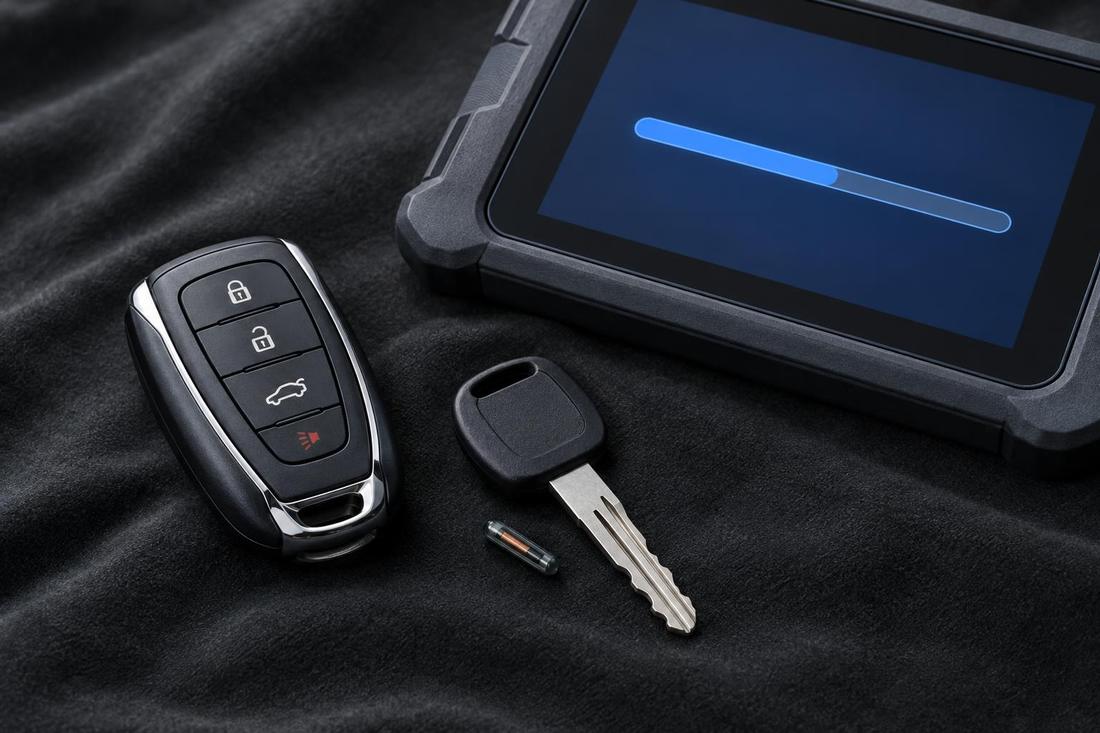
Many smart locks still take a key. We can key it to match your other locks.